
Guide 4 of 4·Day 17 and beyond·3 min read
Approved! How to push your app live
From the congratulations email to your public Play Store listing.
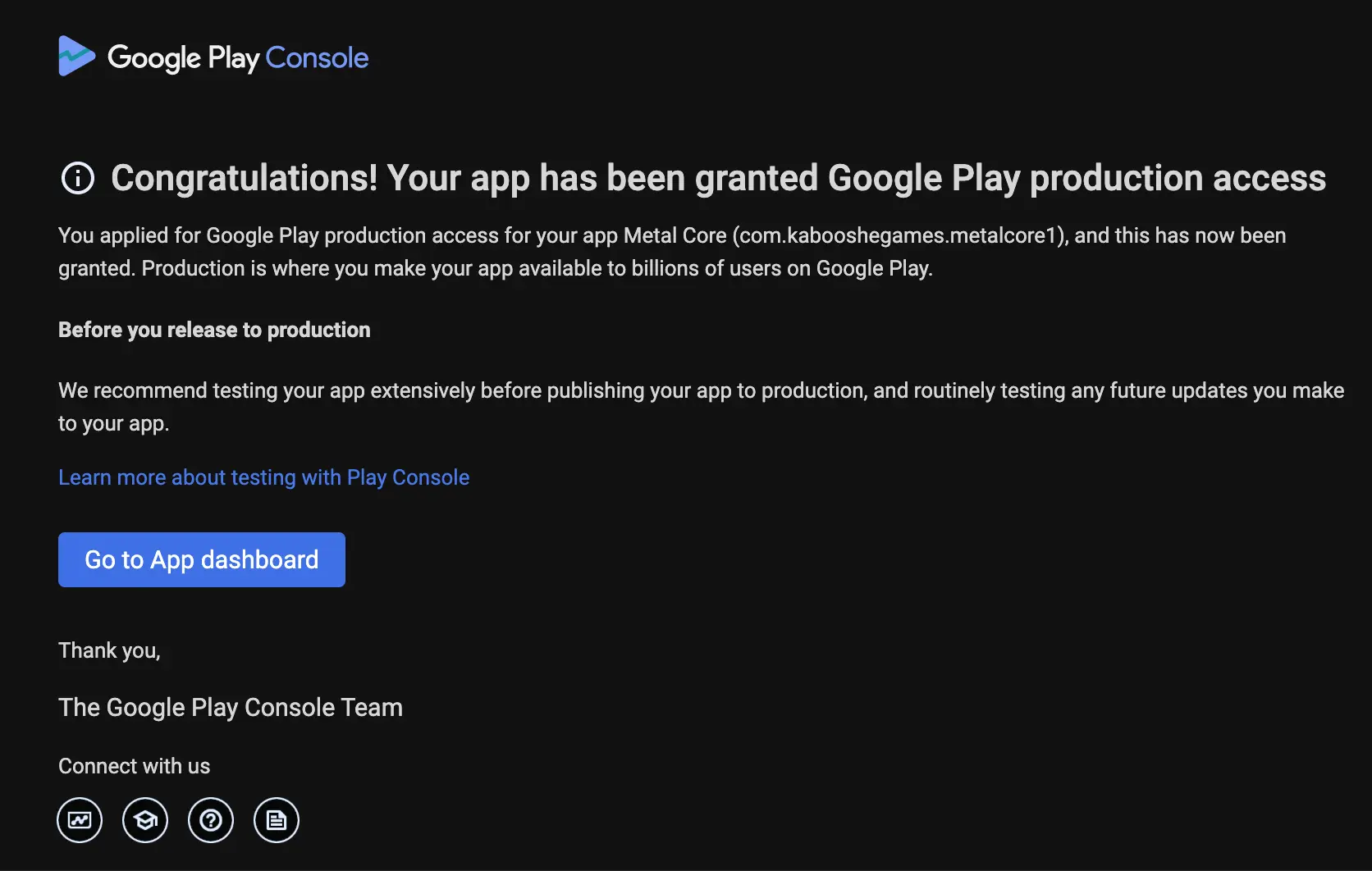
When Google approves your production access, you receive a congratulations email from Google Play. That email means the door to production is open, and the last stretch is short.
- 1
Look for the congratulations email
It arrives from Google Play within 2 to 5 days of applying. Once it lands, production access is active on your account. - 2
Create your production release
In Play Console, go to Production, create a new release, and add your app bundle. You can promote the exact build you tested. - 3
Google runs its final review
This last review is more thorough than the earlier ones and usually takes 5 to 7 days. It is entirely about your app, not your testers or your test: Google checks that the app follows all of its guidelines and is genuinely finished. No action is needed from you while it runs. - 4
Your app goes live
After the review completes, your app is live on Google Play for everyone to download.
While you wait
The final review window is a great time to polish your store listing. And once you are live, the App Marketing tab in your sidebar helps you reach your first real users.
Stuck on something? We are one email away.
support@testerscommunity.com